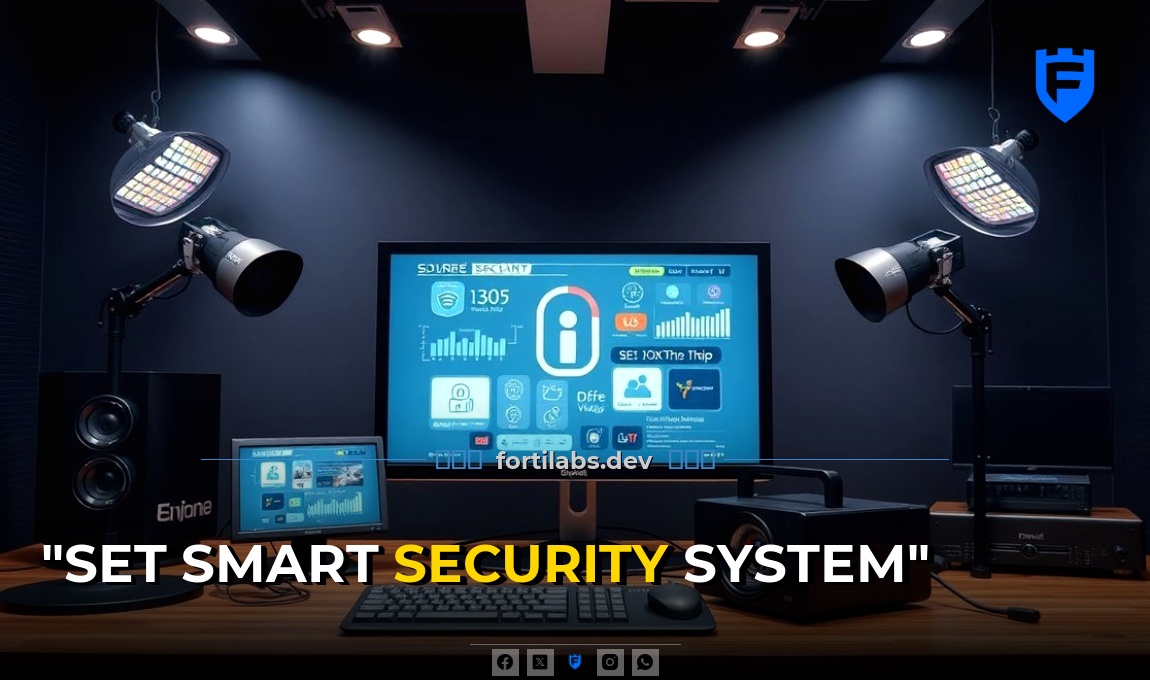
Did you know that a home burglary occurs every 26 seconds in the U.S.? That’s why I’m here to help you set up a smart security system to protect your home and loved ones.
Choosing the Right Devices
First, you’ll want to choose the right devices for your smart security system. Here are some key components to consider:
- Smart Cameras: These are your eyes when you’re not at home. Look for cameras with high-resolution, night vision, and two-way audio. Some popular options include the Ring Spotlight Cam and the Arlo Pro 3.
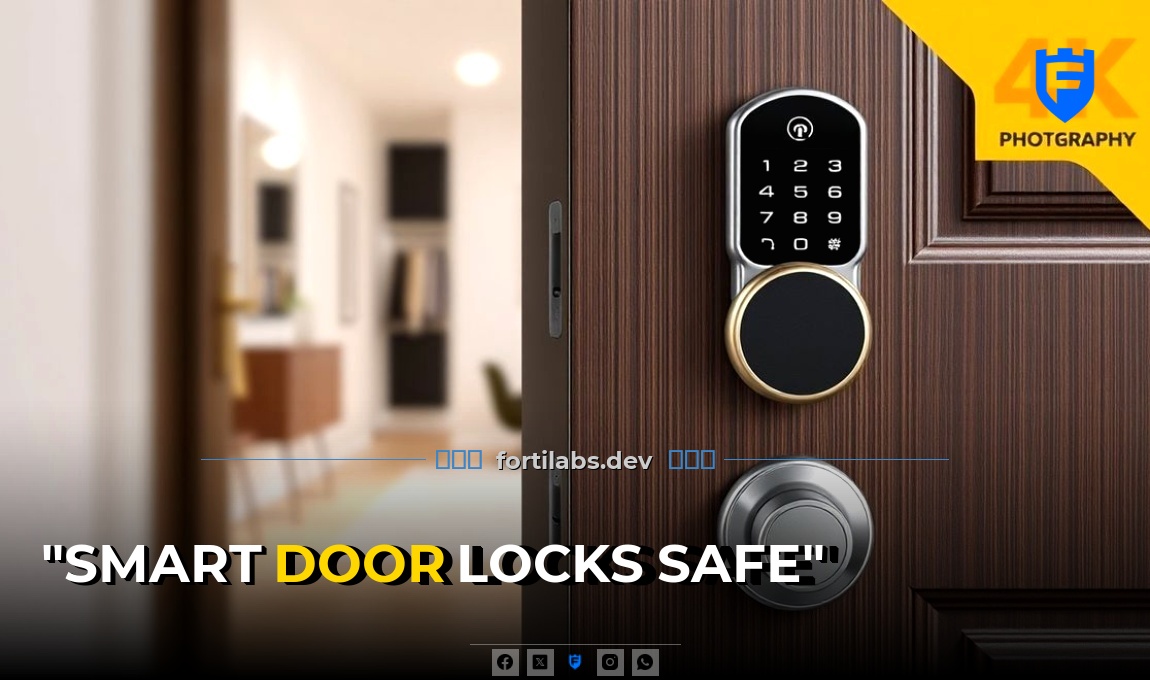
- Smart Door Locks: These allow you to lock and open up your doors remotely. You can also give temporary access to guests. Consider the August Smart Lock Pro or the Yale Assure Lock SL.
- Smart Door and Window Sensors: These alert you when a door or window is opened. They’re often used with smart alarms. The Simmons Wireless Door Window Sensor and the Honeywell Lyric Sensor are good choices.
- Smart Alarms: These can be triggered by sensors or manually. They can also alert you via your phone. The Nest Secure and the SimpliSafe Home Security System are popular options.
A Common Mistake: Ignoring Wi-Fi Range
One common mistake I see is ignoring Wi-Fi range. Many people assume that their Wi-Fi covers their entire home, but that’s not always the case. If your devices are too far from your router, they may not work properly. To avoid this, consider using Wi-Fi extenders or mesh networks to ensure full coverage.
Setting Up Your Devices
Once you’ve chosen your devices, it’s time to set them up. Here’s a general guide:
- Unbox and Plug In: Start by unboxing your devices and plugging them in. Follow the manufacturer’s instructions for installation.
- Connect to Wi-Fi: Most smart security devices connect to your home Wi-Fi. Use the manufacturer’s app to connect the device to your network.
- Pair Devices: If you’re using multiple devices, you’ll need to pair them together. This can usually be done through the manufacturer’s app.
- Set Up Alerts and Notifications: Customize your alerts and notifications so you’re aware of any activity. This can usually be done in the app’s settings.
Why It Fails: Poor Placement
A common reason why smart security systems fail is poor placement of devices. For example, placing a camera too high or too low can result in a blind spot. Similarly, placing a door sensor too close to a metal frame can interfere with its operation. Take the time to carefully plan where to place each device for best coverage and performance.
Integrating with Smart Home Systems
If you’ve a smart home system, you can integrate your security devices for added convenience and control. Here’s how:
- Voice Assistants: Many smart security devices work with voice assistants like Amazon Alexa or Google Assistant. This allows you to control your devices with voice commands.
- Smart Home Hubs: Some devices require a smart home hub for full functionality. Examples include the Samsung SmartThings Hub or the Hubitat Elevation Hub.
- Automation: You can set up automations to trigger devices based on certain conditions. For example, you could set your lights to turn on when your security camera detects motion.
My Experience: The Power of Automation
I once set up an automation where my smart lights would turn on when my security camera detected motion at night. This not only deterred potential intruders but also gave me peace of mind knowing that my home was safe. I highly recommend exploring the automation options available in your smart home system.
Maintaining Your Smart Security System
Maintenance is key to keeping your smart security system in top shape. Here are some tips:
- Regularly Update Firmware: Manufacturers often release firmware updates to improve performance and fix bugs. Make sure to update your devices regularly.
- Check Batteries: If your devices use batteries, make sure to check them regularly and replace them when needed.
- Test Your Devices: Periodically test your devices to ensure they’re working properly. This includes testing sensors, cameras, and alarms.
- Review Alerts and Notifications: Regularly review your alerts and notifications to ensure you’re not missing any important activity.
Setting up a smart security system can seem overwhelming, but with the right devices, proper setup, and regular maintenance, you can protect your home and loved ones. Don’t forget to integrate your devices with your smart home system for added convenience and control. Stay safe!